Trend Forecasting
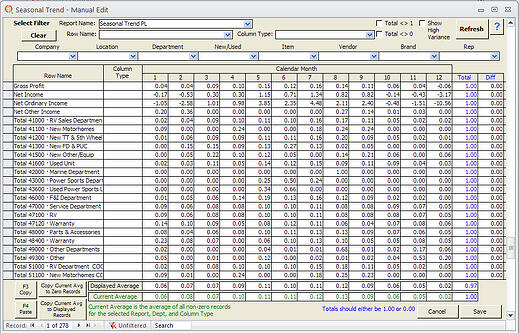
 CleverQ calculates monthly totals for you when extracting data. Seasonal trends can then be automatically calculated using the desired number of years of history and weighted averages as you see fit.
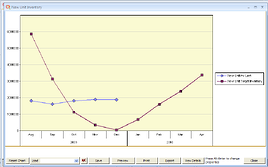
CleverQ then has powerful built-in Trend forecasting tools combining Regression Analysis, "Best Fit" synopsis, and Seasonal trend analysis to calculate nearly any forecasted metrics adjusted for seasonality forecasting. Trend Forecasting can be calculated on any monthly data.